What it is
One place for your media.
STBForge brings supported media sources into one interface so live TV, guide data, movies, series, radio, and setup tools feel consistent instead of scattered.
 LubraLabs
An entertainment hub for live TV, guide browsing, movies, series, radio, source management, and smart search across Windows and Android.



STBForge is a media player only. LubraLabs does not host, provide, sell, or store any channels, streams, or media content. Users must supply their own playlists and services they are legally authorized to access.
What it is
STBForge brings supported media sources into one interface so live TV, guide data, movies, series, radio, and setup tools feel consistent instead of scattered.
Keep it simple
The focus is straightforward navigation, in-app playback, and a clean TV-style experience that still works well on a desktop or Android device.
Core highlights
Only the main ideas for now — the detailed docs and release history can stay separate from the product page.
How people use it
STBForge is designed around the flow of loading sources, browsing content, finding something quickly, and watching it without unnecessary friction.
Jump into live TV, guide, movies, series, radio, or sources from a single home screen.
Use categories, guide browsing, or the AI Companion to locate what you want to watch.
Play content inside STBForge and keep the experience consistent across supported devices.
Screenshots
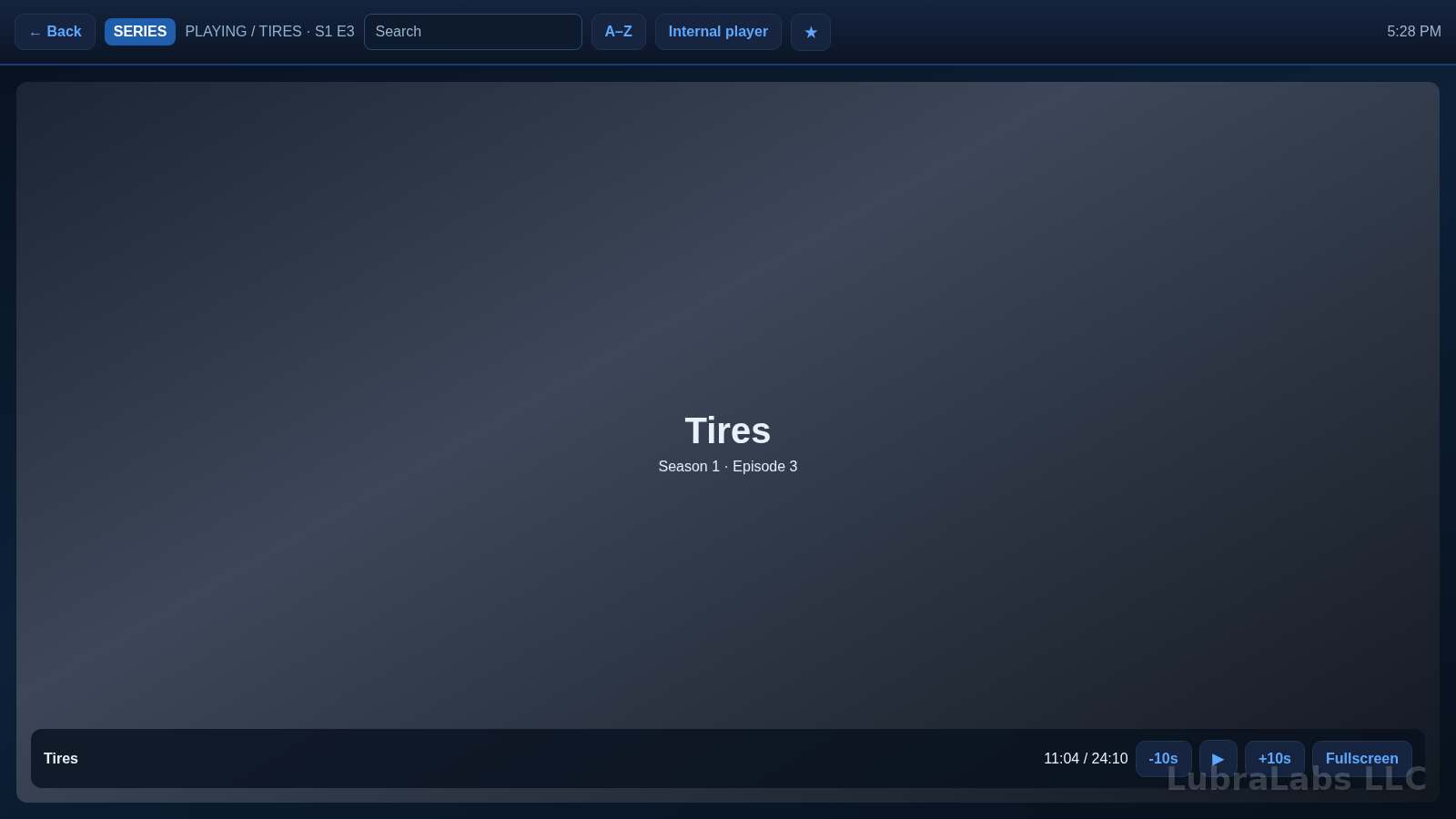
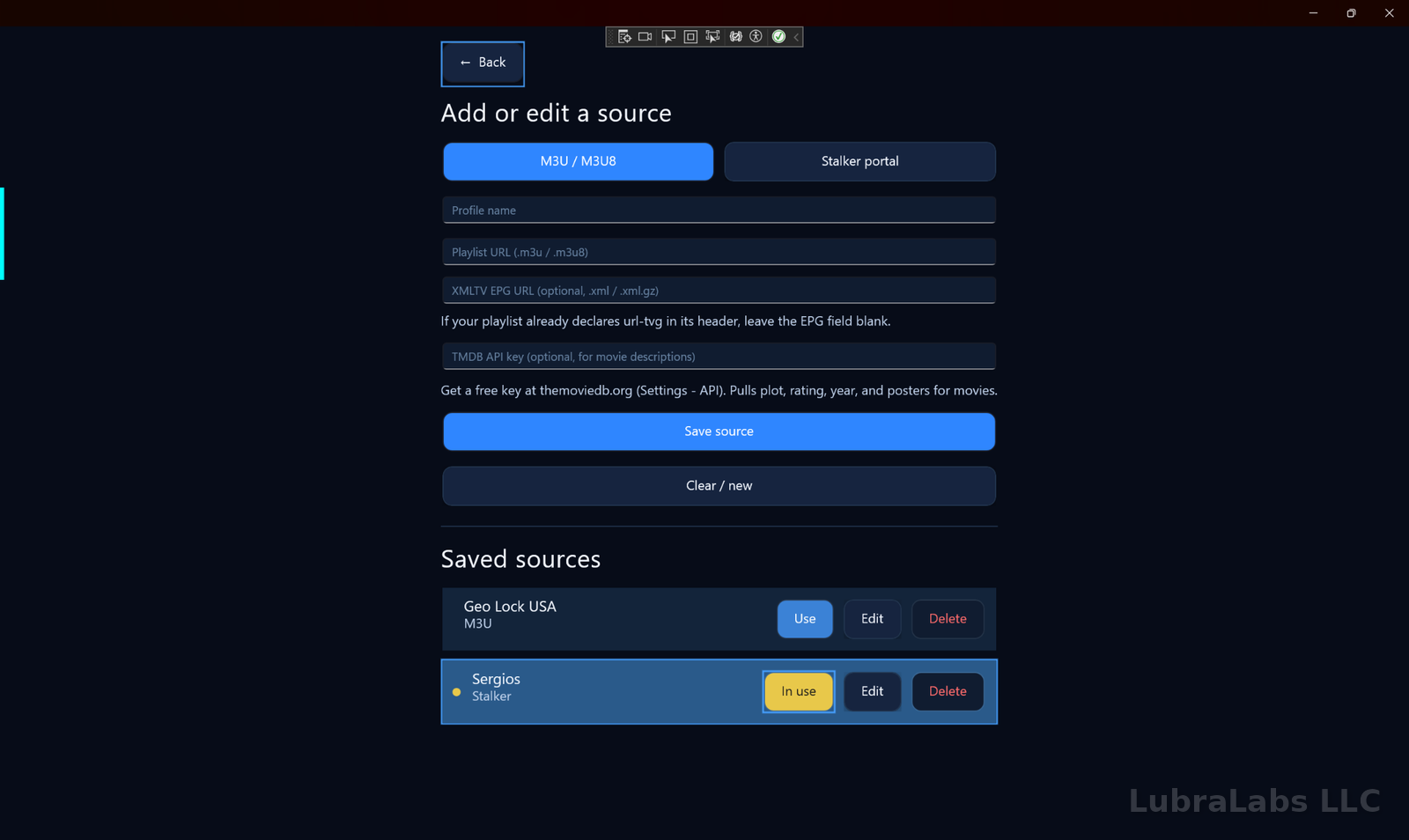
Desktop and phone together, plus a short look at playback and source setup. STBForge is a player only — LubraLabs does not host or provide content.

Availability
STBForge is available now on Google Play for Android, on the App Store for iPhone and iPad, and on the Microsoft Store for Windows.